Tag Archives: author

Guys! Guys! I MADE A BOOK TRAILER!!

UPDATE: I revised it as best as I could, given my still too-limited skills:

Ok, just look at it! I’ll tell you all about how I did it and how much it cost (in terms of time and lost hair) right after, I promise!

What do you think? I really wanted to make BDSM appear first and the explanation later, but to tell you the truth, this was so difficult that I will need a week to recuperate before I’m ready to try again…

So, how did I do that? How much did it cost? Did it make any impact on sales?

I made the clip myself, at a total cost of $0 and about 10-12 hours of customising, watching tutorials and searching self-help forums. The clip was created with Adobe After Effects CC, and I started the process with a free template from After Effects Templates and added  “Playing to Win” soundtrack from Free Stock Music.

Easy-peasy, right? If you don’t mind, I’m just gonna whine a bit now. If you’d rather focus on the positive stuff, just skip the following paragraph.

(Oh, my God, it hurt! I’m all for “you can do it!”, but in this particular case I have to warn you – it was hard! If you are pretty good with Photoshop, then definitely go ahead and try – just please don’t brag about how easy it is (like the kids in tutorials, seriously!). If, however, you don’t understand Photoshop layers, then save yourself from this stress. Not only the software is hard to understand, it was a nightmare to try and upload the clip directly to Twitter. After hours of trying, it turned out that while Twitter technically allows MP4 and MOV files, you can’t upload MOV from the desktop, only from mobile. What? And  for whatever reason, my After Effects does not have the option of saving the file as MP4 (perhaps because it’s a trial version). Then if you think you’re so clever, and you email the MOV file to yourself with the intention of saving it to your phone and uploading to the app, the phone refuses to save the file, as it is apparently unsupported. What? I’ve managed to start a YouTube channel and posted a YouTube link to Twitter, but it just looks like a boring link on the phone, and no matter how hard I’ve tried to figure out how to embed a YouTube link, I couldn’t. If anyone knows, really knows how – please help!)

Ok, back to the positive. I HAVE A BOOK TRAILER!! Yay! I have uploaded it to my Goodreads author page (easy YouTube link and instant upload) and Amazon author page (direct upload and up to 24 hours of processing). I don’t know if I could ever tell if this makes an impact on sales, but it sure gives Shizzle, Inc an aura of a professionally published book…

Once my nerves settle, I may try it again – in fact, I was thinking of perhaps running one of the free giveaways with the option of either a book cover or a book trailer. Again, if this interests you, make sure to sign up for the Don’t Miss It! email list (see the floating banner on the right).

Gotta go look at the trailer one more time…nope, it does not get old!
70 Comments

Filed under Self-publishing and marketing, Shizzle, Inc.

What do you meme?

If you know how to pronounce “meme”, you should get the jokey title. And if you don’t, don’t worry – you’re not alone! I kept calling them “me-me” up until the last week, and why not? Please, somebody, explain, why is it that a new word gets invented in this day and age, which is hard enough as it is, and for some reason it has to be pronounced exactly counterintuitively? I’ve made my peace with “choir” and “sixth”, and “knife”, because they were invented by your ancestors back when there was no electricity or canalisation. (My ancestors invented Russian, and yeah, it’s not for beginners either).

But why now? Why do you have to remember that a word spelled “meme” is actually pronounced “meem”? Is it to separate those “in the know” from late adaptors? Anyway, enough ranting, let’s get to what I actually was very excited to tell you – despite my pronunciation shortcomings, I now meme with the best of them.

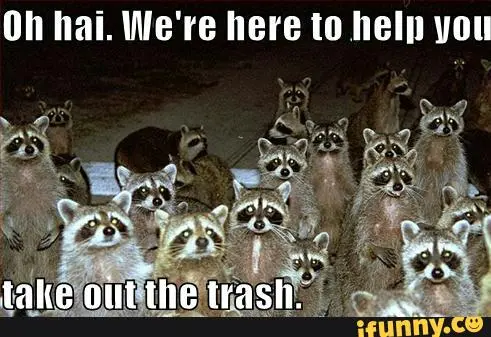
Oh, and if you have not come across the term before – meme is basically something that goes viral, like a funny picture with an even funnier caption. Basically, every LOL CAT ever made. Here is my favorite one of all time:

raccoon meme

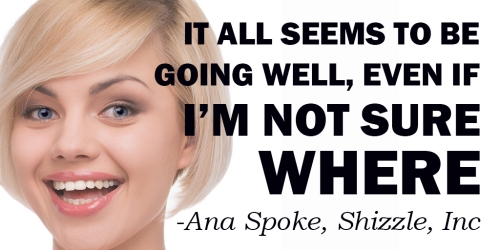
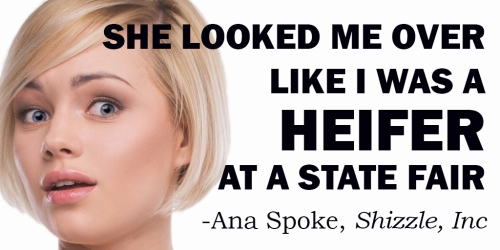
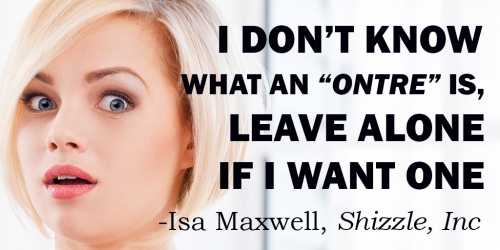
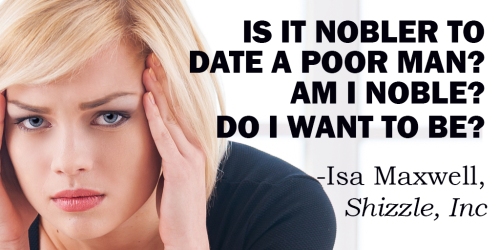
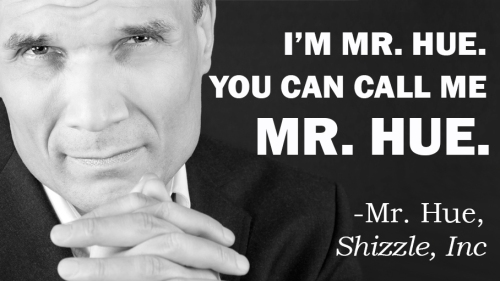
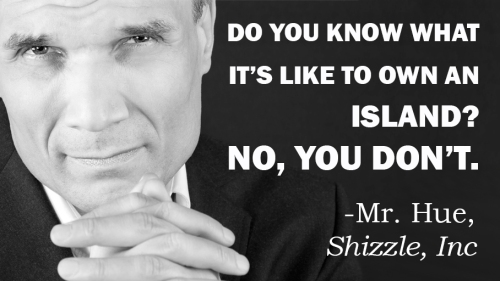
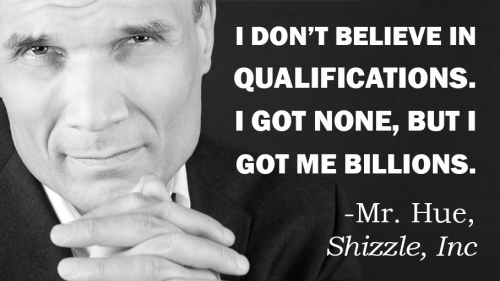
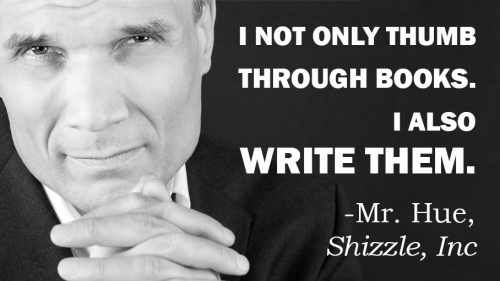
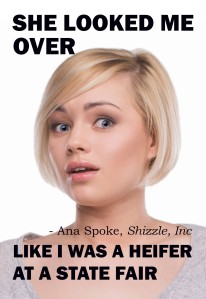
I was posting quotes from Shizzle, Inc to my Buffer account, which feeds my Twitter, when it occurred to me that I could easily turn some of those quotes into memes. I was so excited with visions of the Internet exploding with all the sharing of Isa’s dubious wisdom, that I made a few of them right away:

Meme1

Meme2

Meme3

Meme4

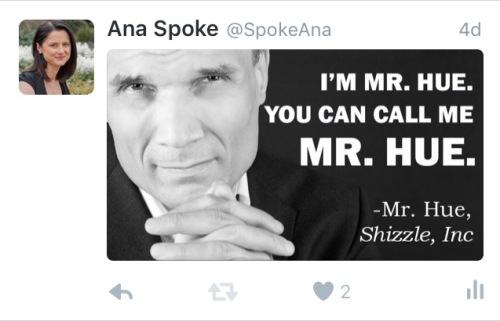
I was so excited, that I even made a few with Mr. Hue:

Meme #5A - smaller Mr HueMeme #9 Mr HueMeme #6 Mr HueMeme #7 Mr Hue

So, have they gone viral? Well, not exactly (yet), but I’ve had a lot more “engagements” with these memes instead of the same quotes, which I’ve twitted before with links to Shizzle, Inc Amazon sale page. My average engagement rate with quotes was 1-2%, but the memes got 3-8% engagement.

The only issue was, memes did not get retwitted as much, so the number of impressions was lower. Still, where my quotes got 2-3K impressions and 20-30 “engagements” each, memes got anywhere from 1k to 2K impressions, but 30-80 engagements each. Not only that, my average sales per day (without any other promos) went from an average of 0.5 books per day to 1.5 books per day during last week. Not huge numbers, but enough to have me excited about making more of these…maybe introducing other characters as well?

Of course, I have to share lessons learned, the major one being the size and orientation of the photo. The very first meme I made looked like this:
Meme #3

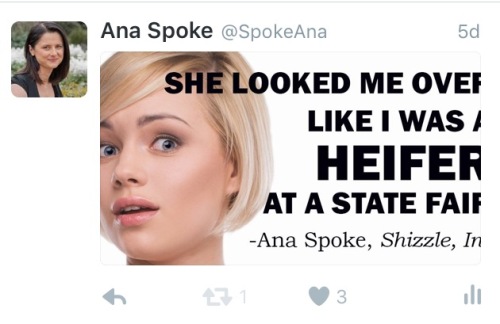
I thought it was pretty good at the time, but the problem was that when it got uploaded to Twitter, it ended up looking like this in the feed:

FullSizeRender (2)

That was a lesson in “don’t do anything without research”. I had a look at the suggested photo proportions and found that 1:2 was recommended, or 512×1024 pixels. I reformatted my meme. Close, but no cigar:

FullSizeRender (3)Finally, after a few trials, I figured out a perfect size: 512 pixels high by 908 pixels wide. The 1:2 ratio may have been true once, or maybe it’s a simplified version of 512:908, but I do believe my ratio is better:
FullSizeRender (4).jpg

I am using Photoshop to create my memes, but you can also use free online software – just google “free meme maker”. I can’t recommend any, unfortunately, because I have not tried them. If you do try a meme or two of your own, please let us all know how it has worked for you.

Have fun!

70 Comments

Filed under Self-publishing and marketing

This is how to get your book into a bookstore’s front window

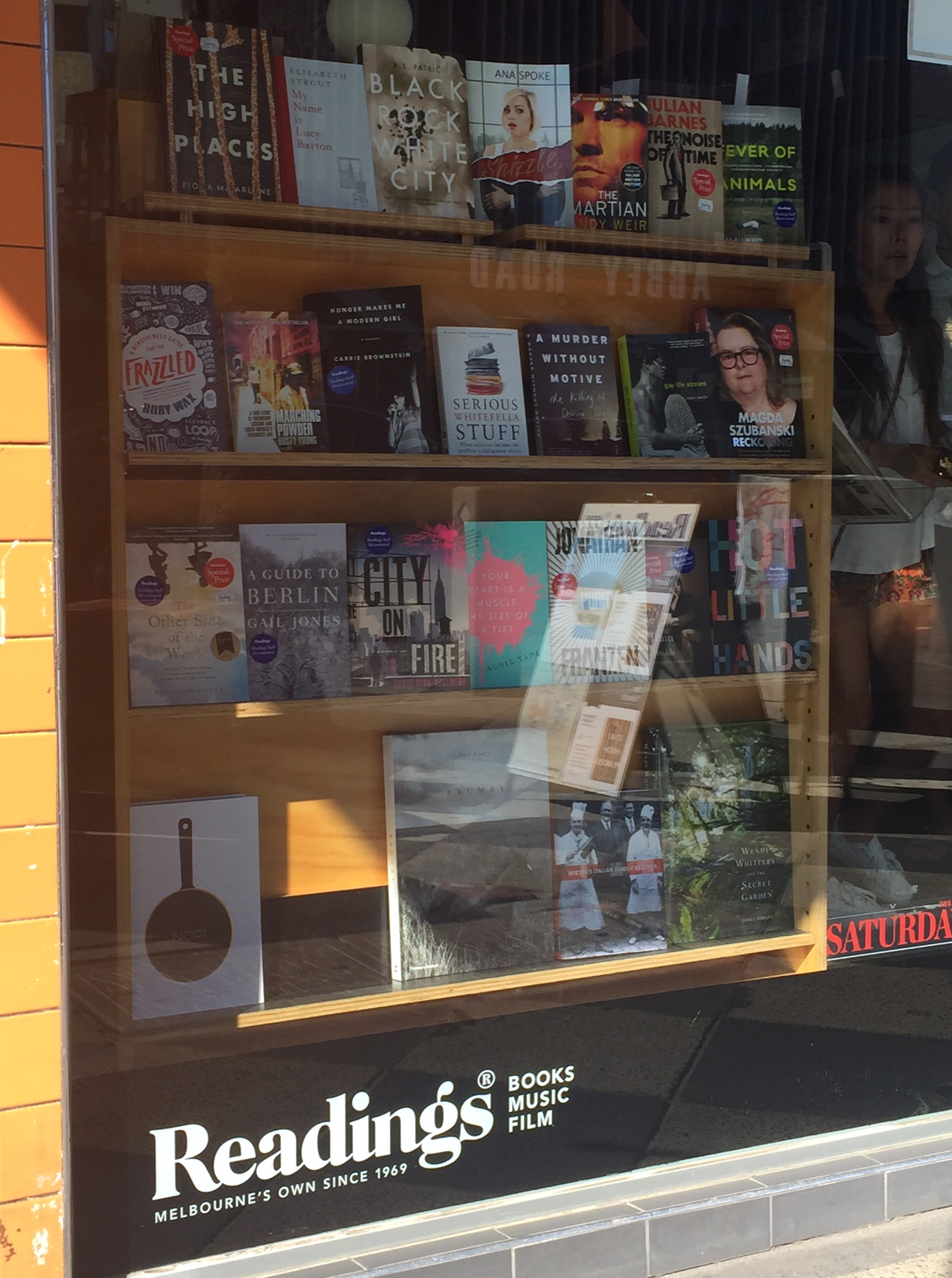
If you walk past St. Kilda Readings today, you may notice a familiar cover in its window:

Book in front shop window sideways

No, not The Martian! Right next to it, look!

Book in front shop window close up

Yep, there she is, looking a little freaked out to be in such distinguished company. How did she get there, you ask?

Turns out that all you have to do is ask.

This has gone a long way to power up my batteries – I’ve been feeling a little down lately and ended up reading a few ugly articles thrashing self-publishing, one going so far as to declare that self-published authors are “neither published, nor authors”. Well – up yours, dear critic. If it looks like a book, and it reads like a book, and, gosh darn it, people like it and are willing to display it on the top shelf next to a bestseller – well, that means I’m a published author. And the fact that I did it all myself makes it that much more special.

Aaaaahhh…Isn’t life grand?

101 Comments

Filed under Shizzle, Inc.

Design for the free cover contest winner revealed!

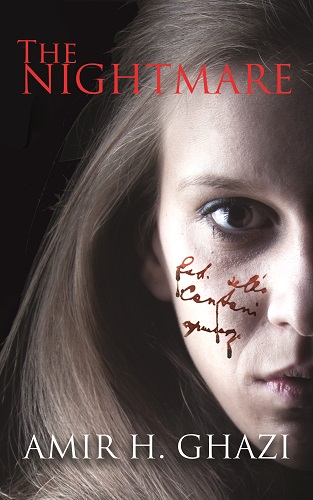
Whew! I was quite a bit nervous when I started working on the cover for the Free Cover Design Contest winner – Amir Ghazi of The World of Horror. I mean, I love Stephen King just as much as every other person on this planet, but I can’t come up with a horrific image! Not unless it involves a cockroach in a soup or something…

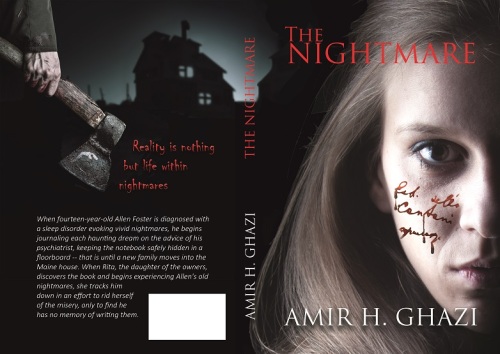
I’m relieved to report that after a couple of mock-ups and a lot of back-and-forth discussion, I came up with a design that made Amir happy. Here it is, in paperback wrap and Kindle format:

The Nightmare wrap - final.jpgThe Nightmare Kindle version - final.jpg

And the best thing is, after the initial jitters, I had a ton of fun working on it! It was practically an addiction for a couple of days, I’ve learned new tricks, and can’t wait to start working on a final version of the cover for Indiot. Originally I was going to run this contest again in maybe six months, but now I think I might do it sooner – so if you are interested in submitting your pitch for a free design, sign up for my Don’t Miss It list.

Let me know what you think!

61 Comments

Filed under Win a free book cover!

How to make Goodreads giveaway widget work on WordPress.com

Have you tried and failed to include Goodreads Giveaway widget on your WordPress.com site? Have you tried reading forums, only to find that the reason for it is that Goodreads uses Java or whatever else WordPress.com doesn’t allow? Oh, good, so I’m not the only one…

I was so frustrated with this previously, that I created a work-around using an image widget. I was happy with that for a while, but the image suggested that only few people have requested my book, when in actuality it was 1,699 over 2 weeks! I have just started a new giveaway, and already over 350 people have requested a copy, in less than 15 hours!

So I found a different work-around. Cause I just don’t take “no” for an answer and cause I feel omni-potent, having learned the very basics of HTML. Also, probably, cause I’m Russian-born, and we’ve been known to fix space stations with hammers. In movies, mind you, but that’s probably not that far from the truth.

WARNING: my method is equivalent to smashing the widget with a hammer. If you are a programmer, avert your eyes…

To start with, you need to get the code, which is available on your giveaway page:

Giveaway code

Then you need to create a new text widget in WordPress.com, copy and paste the Goodreads html code into its content window. Unfortunately, this is what it will look like on your website:

Giveaway widget before deletions

Ugh, right? Enough to make you want to give up…unless you are willing to keep smashing the widget playing with code until you figure out what needs to be deleted. Feel free to play yourself, or follow these simple steps:

STEP 1: delete all of this code from the beginning of the code script, up to and including this bit:
.goodreadsGiveawayWidgetEnterLink:hover {
color: #181818;
background-color: #F7F2ED;
border: 1px solid #AFAFAF;
text-decoration: none;
}

Have a look at the picture above – it is basically the naked HTML that was visible above the “Goodreads Giveaway” title.

STEP 2: delete the very end of the script:

<a class=”goodreadsGiveawayWidgetEnterLink” href=”https://www.goodreads.com/giveaway/enter_choose_address/168663″>Enter Giveaway</a>
</div>
</div><a href=”https://www.goodreads.com/giveaway/widget/168663″>https://www.goodreads.com/giveaway/widget/168663</a&gt;

That’s the link to the actual entry form. Unless you want to keep it, but I prefer the cleaner look, which goes to the giveaway page.

STEP 3: play with the code! For example:

A. I found the “text-align: center” and changed it to “text-align: left” to match my other widgets.

B. Clicking on the picture took you to the book page (with giveaway button underneath). I wanted it to point directly to the giveaway page – so I found the page I wanted, copied the url, then found the following bit of code in the second paragraph and carefully replaced the http address with the preferred one:

highlighted code

That’s it! Once you are happy with the way it looks, move the widget to the desired position, and voila! It looks great in my sidebar now.

Have fun!

15 Comments

Filed under Self-publishing and marketing

Sequel to Shizzle, Inc – title and cover mock up reveal!

I was working on mock-ups for Amir, the winner of the free cover design contest, when it occurred to me that I should go ahead and create a cover for my sequel, even before it’s finished. That way I can do the same thing that Amir is planning on doing – pin the cover over my desk and use it as the motivation to finish the draft. Also, you guys were amazing in helping me develop the cover for the first book, so I feel comfortable revealing the rough draft and asking you for comments.

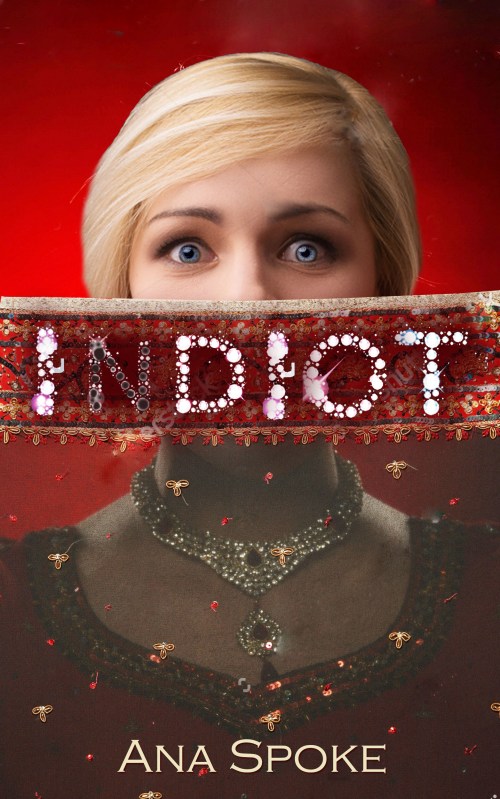
So here it is, the mock up for the second installment in Isa Maxwell’s escapades:

Indiot Mock up 1

This is very rough, with images I have not yet bought, so that’s why the resolution is bad and there are some remnants of Shutterstock watermark – that will improve once I buy and download full-size images. I would love for you to comment on:

  1. Title of the book. Isa continues to be…let’s say “naive” in India, hence the “Indiot”.
  2. The overall concept for the cover.
  3. Using “diamonds” for title.
  4. Making “N” in the title different. I will make it look like empty settings, from which diamonds have been stolen.
  5. Should I put “Isa Maxwell’s escapades” on the title? I kinda like the minimalistic look and that the covers are not too matchy, but everyone seems to love series covers that look like versions of the same and tell you exactly which book in the series it is…
  6. Anything else!

Thank you, as always 🙂

80 Comments

Filed under Self-publishing and marketing

New Rafflecopter giveaway – win one of 25 digital copies of Shizzle, Inc!

Thank you to whomever mentioned this idea in comments! I’ve decided to take a plunge, although a free one at first, and created my very first giveaway on Rafflecopter. It was ridiculously easy to set up and the giveaway is free of cost to everyone – I am on the free plan with Rafflecopter, and giving away ebooks, so it will be just a matter of time to send files to the winners. The giveaway will run for 10 days and, as always, I will update you on the stats. I will also post my thoughts on whether or not I will upgrade to a monthly plan.

This time, in addition to more reviews, I hope for an impact on social media – in order to win, one would have to either follow me on Twitter, or tweet a message (or both, if they want to increase their odds of winning). I think multiple entries are allowed, so lets see what happens – currently I have 38, 705 followers.

Have you done one of these yourself? Was it worth it?

I will also test Amazon giveaways shortly, and will write a comprehensive comparison of all three soon.

24 Comments

Filed under Self-publishing and marketing

And the winner of the free cover design competition is…

…Amir Ghazi of World of Horror! Let’s hear it for Amir, whose pitch entitled The Nightmare gathered an amazing 527 votes!

vote results

Just to remind you again, this was Amir’s winning pitch:

The Nightmare by Amir.H.Ghazi

When fourteen-year-old Allen Foster is diagnosed with parasomnia, a sleep disorder evoking vivid nightmares, he begins journaling each haunting dream on the advice of his psychiatrist, keeping the notebook safely hidden in a floorboard — that is until a new family moves into the Maine house. When Rita, the daughter of the new owners, discovers the book and begins experiencing Allen’s old nightmares, she tracks him down in an effort to rid herself of the misery, only to find he has no memory of writing them.

You can read other pitches on Who will win the free cover design? or the original post.

Thank you again to all who have participated, either by submitting a pitch or by voting for your favourite. I will run another contest in August – if you’re interested, sign up for my Don’t Miss It list (see the banner on the right).

I now have the difficult task of reaching deep down, switching my brain from the usual jokey mode, to produce the creepiest and most striking cover this book so justly deserves.

Wish me luck!

17 Comments

Filed under Self-publishing and marketing, Win a free book cover!

Best Goodreads Giveaway yet – #24 on Most Requested list!

I still can’t believe it! My second giveaway for Shizzle, Inc lasted two weeks and it was requested by 1,699 people – enough to make it onto the front page of the Goodreads Most Requested list, and even climb up to #24 (there are 30 on the first page). Thank you all who’d entered – especially those who answered my plea on Twitter earlier today, when it was 37 requests or so away from making it to the front page. Amazingly, nearly 300 people requested it today alone.

As promised in the post about the results of the first giveaway, here is the comparison of the two:

Goodreads giveaway 2 results

I have added a new column to Shizzle Goodreads giveaways spreadsheet, to track how many followers I get – I was not paying attention to that number before, big mistake! I have not filled in the total cost to me – which will be huge, since the winner is in Romania and I have to get the book there within 4-6 weeks.

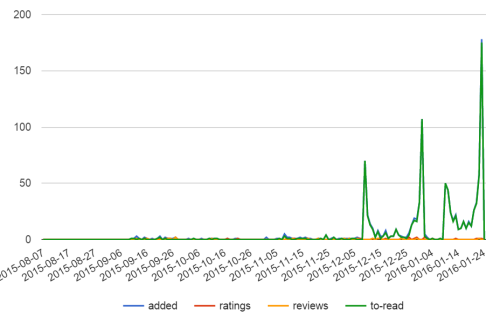
Also, I had a lot of fun checking my book stats:

Shizzle stats on 24 Jan 16

Did you know you can look up this chart for any book on Goodreads? It’s in the top right corner of each book’s page – look for “stats”. Just today, 175 people added it to their “to read” shelves!

So, what did I learn from comparing (ahm, staring at the charts) the two giveaways? My data seems to confirm that:

  1. You should open the giveaway to the entire world. Interestingly, the second giveaway started slower, but had more daily adds in “the middle”, the normally dead time.
  2. It is better to have two short giveaways than one long one. Heck, my short one doubled the performance of the long one! Any guesses why? Is it because it was open to all countries?
  3. I have another guess – it is actually better to give one copy than multiple. I know, I know, everybody says to give as many as you can, but I spent hours looking at most requested and least requested books, and I have a gut feeling that giving multiple copies (some people give away 25!) creates a feeling that the book is not that special. Giving one, and preferably autographed, copy creates the opposite effect – that you are competing for something rare and special.

Another thing I’d learned from looking at other people’s giveaways, that they don’t do one, or even two of those – some of the very popular titles have been on practically constant giveaways. I’m about to schedule another one, and want to test one of the factors – I’m thinking another two weeks, all countries, one copy, but this time unsigned. Does the word “AUTOGRAPHED” have any effect on the numbers?

I will let you know in about three weeks!

36 Comments

Filed under Self-publishing and marketing

How to make a “floaty” banner in WordPress.com

Did you know that if you pay for the Premium account, you not only get rid of pesky third-party ads, you also get a list of benefits you are probably not using? Like CSS, or custom design?

I’m kind of excited and scared at the same time – I’m one of those people that knows how to drive cars and use computers, but not exactly sure how the cars or computers work. Still, I’m not gonna fall behind the times – I have to regularly force myself to try something new. Like buying a Surface Pro, even though it means a week of crying “Where did my file go?” and “I want my Grandpa PC back!”

This time it will be “Oh my God, what have I done to my website?”

By the way, have you noticed what I’ve done? It’s in the right top corner – see the invitation to buy my book? See how it won’t go away, no matter how fast you scroll? Cool, huh…do you want one for your website? I will walk you through it step-by step while it’s still fresh in my mind.

I started with WordPress support post on Custom design. I didn’t understand half of it, except that you can “try it now” without purchasing an upgrade, which is a good news for those with the free accounts.

I then read through some of the CSS Customization Forum, backed away from the computer, and cried quietly in the corner. That’s my process, okay? You should have seen how much I cried over essays in highschool…anyway, the Forum will be a good resource later on, when I start getting all fancy with my trickery. For now, I will climb the mountain  one step at a time. The first step I’d decided to take is create one of those (mildly obnoxious) floating invitations to buy your book or sign up for an email list. I have to credit alfageek with generously sharing the original code for an invitation to buy a book. Turns out that once you have a base to work from, learning CSS can be a lot of fun as you tinker with values and then refresh madly, to see what your tinkering has done.

Ok, now for the promised easy steps:

STEP 1. Make a widget of your banner – have a look at how to create a widget for your Amazon book or how to create a widget using Amazon affiliate link.

STEP 2. Once you have a working widget, go to the wp-admin version of your site, and click on Appearances-Customise-CSS. This is what my CSS looks like now, with custom code beginning on line 6:

CSS code

STEP 2. Copy this code and paste it to your CSS window:

#text-4 {
font-weight: bold;
position: fixed;
right: -2px;
top: 120px;
margin: 0;
background: white;
border: solid 2px #ddd;
padding: 4px;
}

#text-4 h3 {
font-size: 16px;
line-height: 140%;
}

STEP 3. Almost finished! Change number “4” in lines 6 and 17 above to the order of your widget in the sidebar. So, if your widget is at the very top, change it to read “text-1” and so forth.

THAT’S IT! Now, the fun part! Play with the code line-by-line and see what it does:

6. “text-4” refers to my widget being #4 in the sidebar. Change number to reflect the order position of your widget.

7. optional line – if you delete it, the font will not be bold.

8. “fixed” position means it will stay put while you scroll through the page.

9. “right” can be replaced with “left” – that’s where it will appear on the page. -2px refers to how far it is from the edge. Mine has a 2px (2 pixels) border around it, so -2px shaves off the border on the right.

10. “top” can be replaced by “bottom”. Play around with the pixel number until you get it to the exact spot you want.

11.”margin” – add a margin, if you wish. I have none.

12. “background” – I have white. Have a look at CSS Tricks for codes to some alternative colors.

13. “border” – change pixel number to make it thicker, or delete this line if you don’t want a border. Change color code to match your website.

14. “padding” – controls the amount of background space around the text. Increase the number to make your banner larger, while the text stays the same.

15, 16 and 17 – I have no idea, just leave as is or play with it.

18. “font size” – did not seem to make a difference, perhaps it’s a combination of font size and line height (line #19).

19. change line height to make font larger.

Have fun!

29 Comments

Filed under Self-publishing and marketing